
How To Order A Custom Stamp
Pick Your Size
Size depends on where your stamping and the shape of your design. (scroll down for help!)
Place Your Order
Choose self inking or wood and find the price based on the size you want and the place your order.
Upload Art Work
There are 2 ways to send us your design. You can email it or upload file on the product page. File must be high resolution in black and white.
Checkout
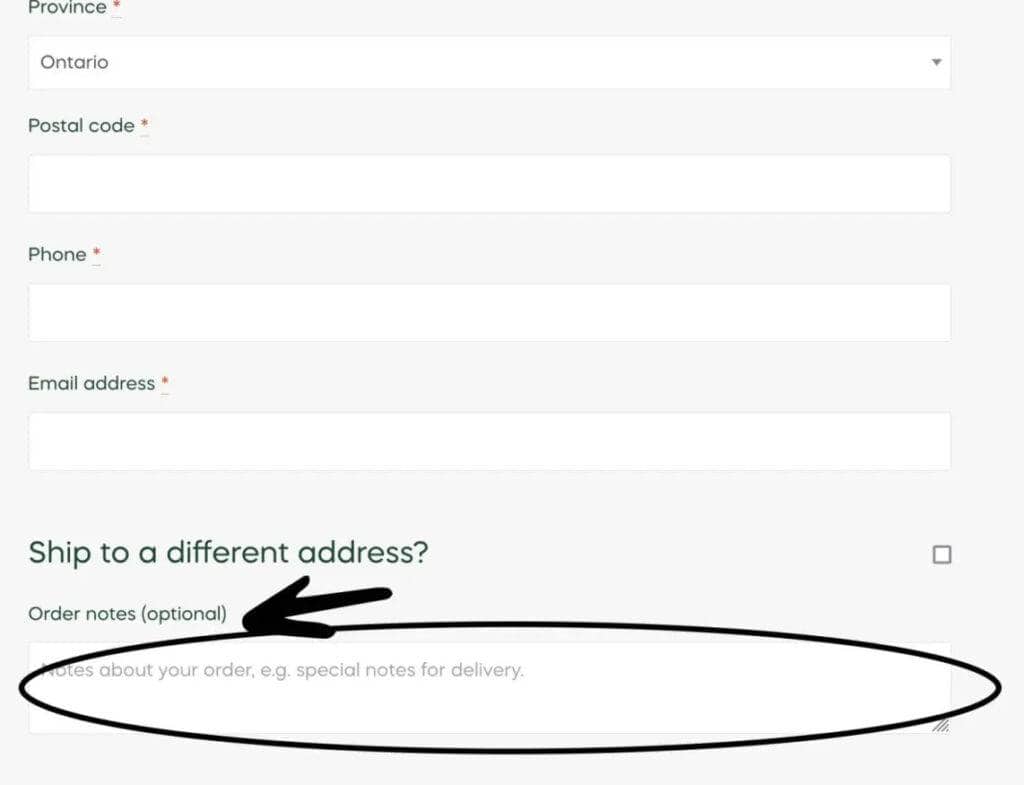
On checkout you can leave a note to seller if you need a specific size not listed or anything else.
Pick-up Or Ship
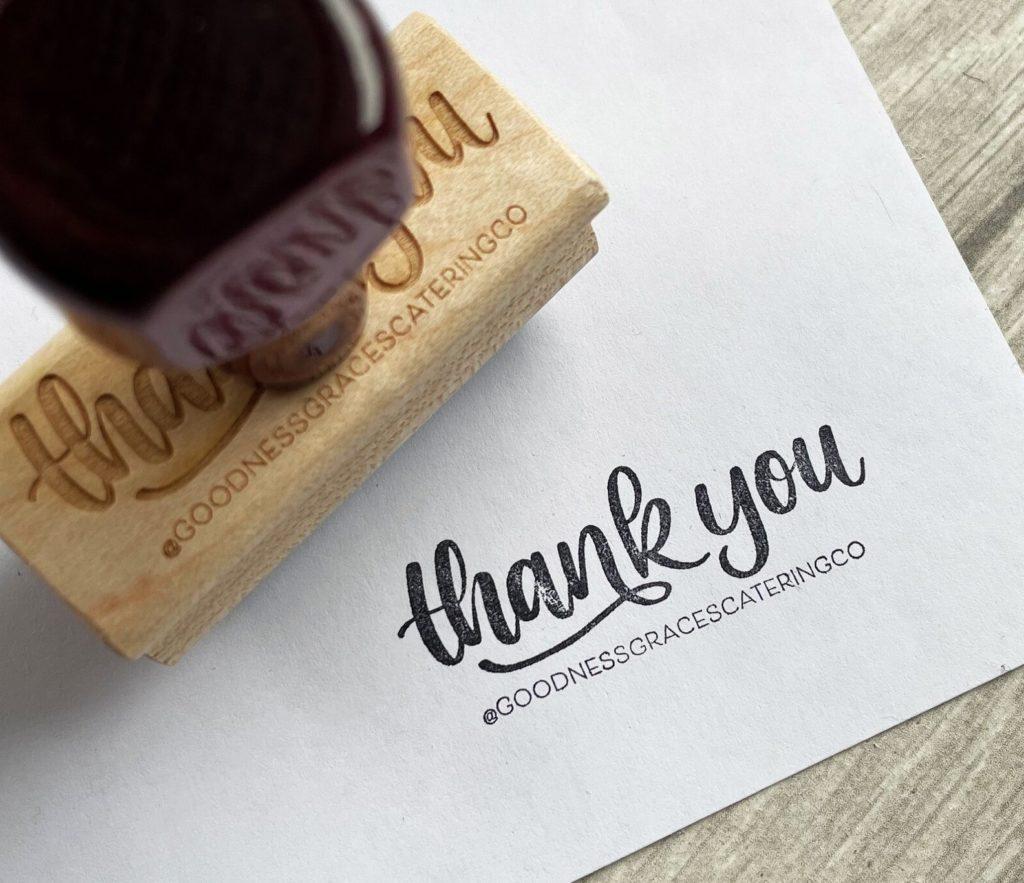
Processing is 2-4 business days. We will email tracking or pick up instructions when your order is ready.
Enjoy!
Enjoy stamping all the things & feel free to leave us a review to let us know how we did!
Picking a Size
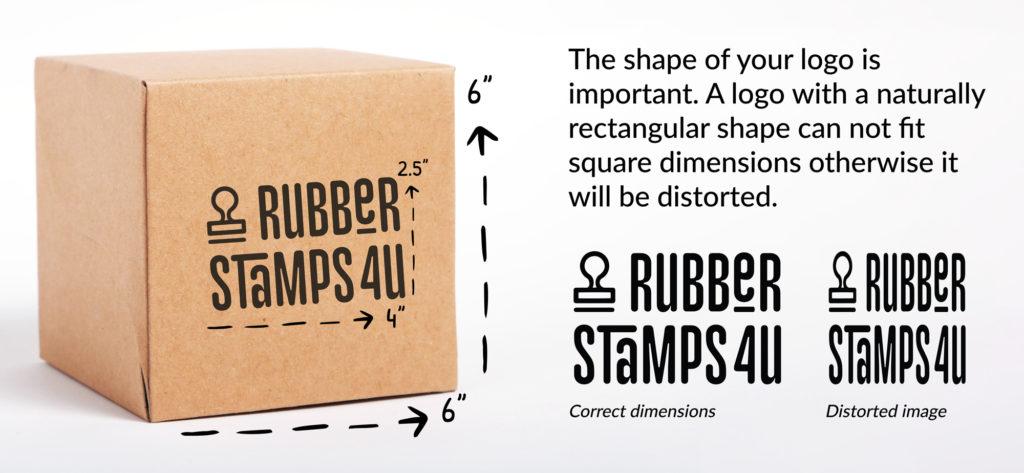
Still need help with your size? Check out this video here.
Uploading Art Work
- 600 – 1000 DPI High Resolution File
- Black and White (no colour, all grey tones will be half tone)
- PNG, JPG, PDF, EPS or SVG
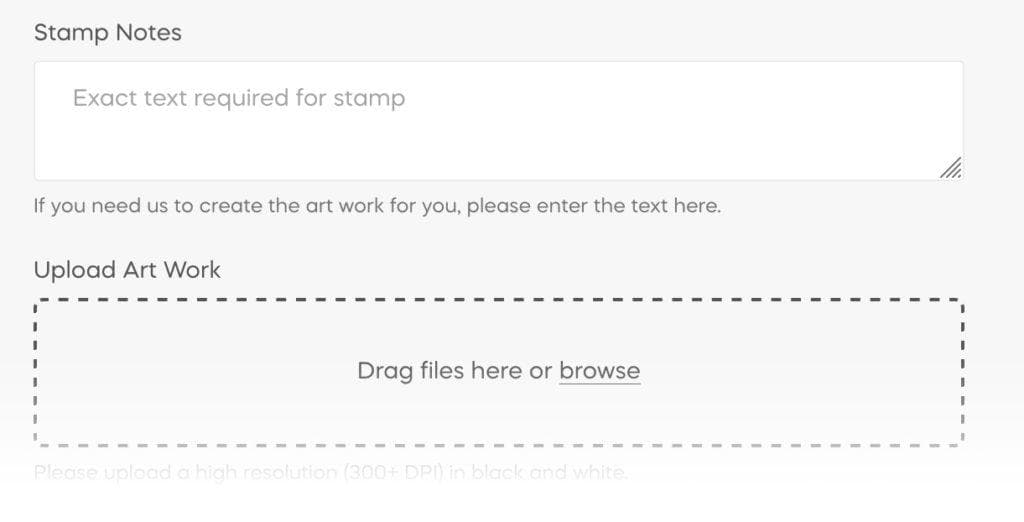
You can upload your file on the product page as shown in the screen shot below OR email to rubberstamps4u@gmail.com
To upload more than one you can select multiple at one time or simply click on ‘browse’ again or drag more files into the box.
Specific Order Notes
You can add general order notes at checkout (shown below) as well as product specific notes like a more specific size for your imprint (shown above).